File-Based Versioning Tool: Proven Benefits for Developers
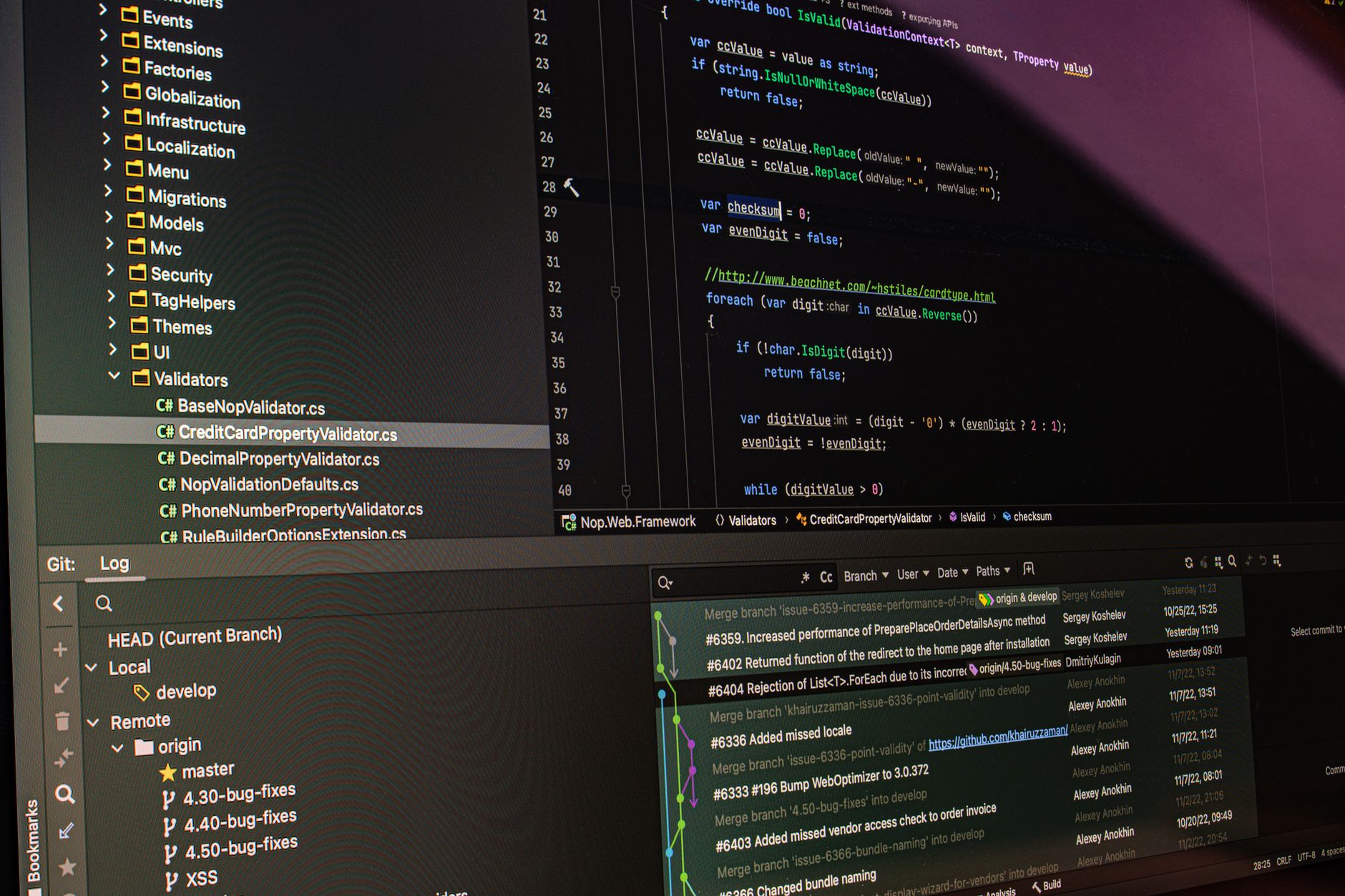
The file-based versioning tool is set to revolutionize how developers manage changes. Varlock’s new release, Bumpy, promises to enhance version control by replacing traditional changesets with a more efficient method.
What is Bumpy?
Bumpy is a cutting-edge file-based versioning tool developed by Varlock, designed to streamline the version control process for software developers. Unlike traditional versioning systems that rely heavily on changesets, Bumpy focuses on managing individual files, making it easier for developers to track modifications and collaborate effectively.
The tool’s unique approach allows developers to see a clear history of each file’s evolution, providing a comprehensive overview of changes made over time. This is particularly beneficial for teams that work on large projects where file alterations can occur frequently. With Bumpy, developers can quickly identify when changes were made, who made them, and the specific nature of those changes.
Some of the key features of Bumpy include:
- Real-time collaboration: Multiple users can work on files simultaneously, with Bumpy handling conflicts efficiently.
- User-friendly interface: The intuitive design allows developers to navigate through file histories effortlessly.
- Integration capabilities: Bumpy can easily integrate with existing development environments, enhancing workflow without disrupting established processes.
By utilizing a file-based versioning tool like Bumpy, developers can improve productivity, reduce errors, and maintain a clear understanding of their project’s evolution, ultimately leading to more successful software outcomes.
Key Features of Bumpy
Bumpy, a new file-based versioning tool developed by Varlock, brings several key features that enhance the development workflow. By focusing on simplicity and efficiency, Bumpy aims to provide a solution that meets the demands of modern software development.
- Intuitive User Interface: Bumpy features an easy-to-navigate interface that allows developers to access version history and changes at a glance. This reduces the learning curve, enabling teams to adopt the tool quickly.
- Seamless Integration: The tool integrates smoothly with popular development environments and platforms, ensuring that teams can incorporate it into their existing workflows without disruption.
- Real-Time Collaboration: Bumpy facilitates real-time updates, allowing multiple developers to work on files simultaneously without the risk of overwriting changes. This is crucial for teams spread across different locations.
- Robust Backup System: With Bumpy, developers can create automatic backups of their work. This feature minimizes the risk of data loss and ensures that previous versions are always accessible.
- Customizable Versioning: Users can tailor the versioning process to their specific needs, choosing how frequently to save changes and what information to track.
These features make Bumpy a compelling file-based versioning tool that supports developers in managing their projects efficiently.
How Bumpy Compares to Changesets
When comparing Bumpy to traditional changesets, several key differences highlight the advantages of this file-based versioning tool. Bumpy simplifies the version control process by allowing developers to focus on files rather than complex commits, promoting a more intuitive workflow.
One of the most significant benefits of Bumpy is its real-time collaboration. Unlike changesets, which often require developers to synchronize their work manually, Bumpy automatically tracks changes as they happen. This feature fosters a smoother collaboration experience, especially in larger teams where multiple developers might be working on the same project simultaneously.
Additionally, Bumpy enhances file recovery capabilities. In contrast to traditional changesets that may require intricate revert mechanisms, Bumpy allows users to restore previous versions of files with just a few clicks. This ease of use can save valuable time and reduce the risk of losing important work.
Moreover, Bumpy’s integrated conflict resolution tools provide developers with a more user-friendly approach to handling discrepancies between different file versions. By visualizing changes side-by-side, Bumpy enables users to make informed decisions quickly.
In summary, Bumpy stands out as a modern file-based versioning tool that not only streamlines workflows but also enhances collaborative efforts, making it a compelling alternative to traditional changesets.
Benefits of File-Based Versioning
The introduction of Bumpy as a file-based versioning tool brings numerous advantages for developers seeking to streamline their workflow. By utilizing a robust system that emphasizes file management, Bumpy enhances collaboration and productivity across teams.
One significant benefit is the simplified process of tracking changes. Developers can easily monitor modifications made to files, ensuring that every version is accurately recorded. This capability reduces the likelihood of errors, allowing teams to focus on development rather than on managing revisions.
Another advantage is the improved integration with existing development environments. Bumpy seamlessly fits into the typical workflows of developers, enabling them to adopt this file-based versioning tool without extensive training or disruption. This ease of integration accelerates the learning curve and fosters quicker adoption.
Furthermore, Bumpy’s intuitive interface facilitates better collaboration among team members. With features designed for clarity and transparency, all contributors can understand the evolution of a project, leading to more effective teamwork and communication.
Lastly, using a file-based versioning tool like Bumpy helps organizations maintain a comprehensive history of their projects. This rich archive not only supports accountability but also allows teams to revert to previous states with minimal friction, ensuring that development remains agile and responsive to changing requirements.
User Feedback on Bumpy
User feedback has been overwhelmingly positive for Bumpy, the new file-based versioning tool developed by Varlock. Many developers have praised its intuitive interface and seamless integration into existing workflows. Users have shared their experiences, highlighting various aspects that have enhanced their productivity.
- Ease of Use: Many users noted that the learning curve was minimal, allowing them to quickly adapt to Bumpy’s features. One developer mentioned, “I was able to start using Bumpy effectively within a day, which is impressive for any new tool.”
- Version Control: Users appreciate the robust version control capabilities that Bumpy offers. A software engineer commented, “The ability to revert to previous file states has saved me countless hours of work.”
- Collaboration: Team members have found that Bumpy enhances collaboration, as it allows multiple users to manage file versions without conflicts. A project manager stated, “Our team can now work on files simultaneously, and Bumpy keeps everything organized.”
- Performance: Several users reported significant performance improvements, particularly when handling large files. One user remarked, “Bumpy handles heavy files with ease, making it a game-changer for our projects.”
Overall, the feedback underscores that Bumpy has positioned itself as a valuable file-based versioning tool, meeting the needs of developers in an evolving tech landscape.
Getting Started with Bumpy
Getting started with Bumpy is a straightforward process, allowing developers to seamlessly transition to a file-based versioning tool that enhances their workflow. To begin, users need to download the latest version of Bumpy from the official Varlock website. Installation is quick, with detailed instructions provided to ensure a smooth setup experience.
Once installed, users can create a new project or import an existing one. Bumpy supports various file formats, making it adaptable for different development environments. The intuitive interface guides users through the initial configuration, allowing them to set their preferences for versioning, branching, and merging.
After the initial setup, developers can start using Bumpy’s features right away. Here are some steps to get started:
- Create a repository: Users can initiate a new repository by selecting the “New Project” option and following the prompts.
- Import files: Bumpy allows easy import of existing project files, ensuring no data loss during the transition.
- Version your files: With a simple command, developers can begin tracking changes to their files, taking full advantage of the file-based versioning tool.
- Collaborate: Invite team members to collaborate by sharing the repository link, fostering a team-centric approach to development.
With these steps, developers can quickly leverage Bumpy’s capabilities to improve their version control processes.
Future of Version Control Tools
The future of version control tools is leaning towards more flexibility and user-centric design, with file-based versioning tools like Bumpy paving the way. As developers increasingly seek solutions that enhance collaboration and streamline workflows, the demand for such tools is expected to grow significantly.
With advancements in technology, future iterations of file-based versioning tools will likely incorporate artificial intelligence to automate tasks such as conflict resolution and commit suggestions. This could save developers valuable time and reduce the friction often associated with traditional version control methods. Additionally, integration with continuous integration/continuous deployment (CI/CD) pipelines may become more seamless, allowing for real-time collaboration among team members.
Another trend is the emphasis on cross-platform compatibility. As remote work becomes the norm, developers are utilizing diverse systems and environments. Future tools will need to support various platforms to ensure that teams can work together effectively, regardless of their operating system.
Furthermore, enhanced visualization features may emerge, providing users with intuitive interfaces to track changes and understand the evolution of their projects better. As file-based versioning tools continue to evolve, developers can expect solutions that not only meet their immediate needs but also adapt to the changing landscape of software development.
Photo by Daniil Komov on Pexels