One UI 9 update: Best features of Samsung’s latest rollout
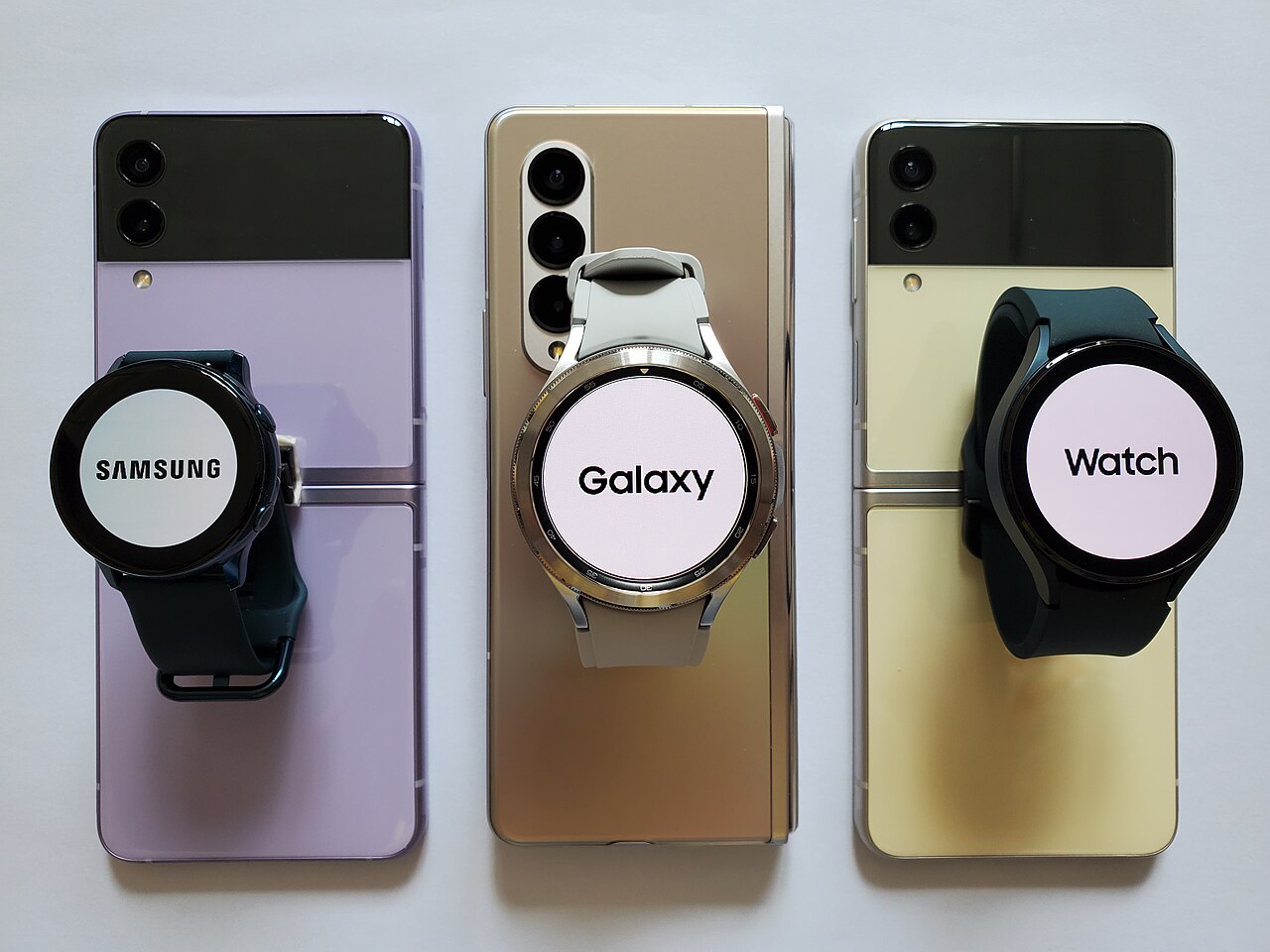
The One UI 9 update is now rolling out to the Galaxy Watch 8 series, bringing new features and enhancements to users. Samsung continues to innovate with its wearable technology, ensuring a better user experience.
Overview of One UI 9
The One UI 9 update has begun rolling out to the Galaxy Watch 8 series, marking a significant step forward in Samsung’s wearable technology. This latest version not only enhances user experience but also introduces a range of new features designed to improve functionality and customization.
One of the standout aspects of the One UI 9 is its integration with Wear OS 7, bringing a fresh and intuitive interface to users. The update focuses on providing smoother navigation and easier access to apps, ensuring that users can quickly find what they need without hassle.
In addition to the interface improvements, the One UI 9 update also includes:
- Enhanced health tracking: More accurate metrics for fitness enthusiasts.
- Improved battery management: Optimized power consumption for longer usage.
- New watch faces: A variety of customizable options to suit personal styles.
- Smart notifications: Streamlined alerts for important updates.
With these updates, the One UI 9 aims to elevate the overall user experience for Galaxy Watch 8 owners.
Key Features of Wear OS 7
Samsung’s latest One UI 9 update brings several exciting features to the Galaxy Watch 8 series, enhancing the overall user experience with Wear OS 7. Below are some of the key features that users can look forward to:
- Improved Performance: The update optimizes app loading times and system responsiveness, ensuring a smoother interaction.
- New Health Monitoring Tools: Users can now access advanced health metrics, including stress management and sleep tracking, directly from their wrist.
- Customizable Watch Faces: The One UI 9 update offers a wider range of customizable watch faces, allowing users to personalize their devices to match their style.
- Enhanced Notifications: Notifications are now more interactive, providing quick access to messages and alerts without needing to open each app.
- Improved Battery Life: Optimizations in the update promise extended battery life, helping users get the most out of their devices throughout the day.
These features are just a glimpse of what the One UI 9 update has to offer, making it a significant improvement for Galaxy Watch users.
How to Update Your Galaxy Watch
Updating your Galaxy Watch to the latest One UI 9 update is a straightforward process that ensures you receive all the new features and improvements. Follow these steps to ensure your smartwatch is up to date.
- Connect Your Watch: Make sure your Galaxy Watch is connected to your smartphone via the Galaxy Wearable app. Ensure that your watch has sufficient battery life before proceeding.
- Check for Updates: Open the Galaxy Wearable app on your smartphone, and navigate to the ‘Watch Settings’ option. Tap on ‘Software update’ and then select ‘Download and install’.
- Install the Update: If an update is available, follow the on-screen instructions to download and install the One UI 9 update. Your watch may restart during the process.
- Verify the Installation: After the installation is complete, you can verify the update by going back to the ‘Software update’ section in the Galaxy Wearable app, where the current software version will be displayed.
With the new One UI 9 update, enjoy enhanced performance and features designed to improve your overall experience with your Galaxy Watch.
User Reactions to the Update
User reactions to the One UI 9 update have been overwhelmingly positive, with many users praising the enhancements and new features showcased in the latest rollout. The update has generated excitement among Galaxy Watch 8 series owners, who express their appreciation for the improved performance and user interface.
Some users took to social media to share their experiences, highlighting specific aspects of the update that they found particularly beneficial:
- Enhanced battery management: Many users noted that the battery life has significantly improved, allowing for longer usage between charges.
- New customization options: The ability to personalize watch faces and widgets has been a hit, with users enjoying the flexibility to tailor their devices to their preferences.
- Seamless integration: Users have reported smoother transitions between apps and features, making the overall experience more enjoyable.
While the majority of feedback has been positive, a few users have encountered minor bugs that they hope will be addressed in subsequent updates. Overall, the One UI 9 update has set a high standard for what users can expect from Samsung’s future software rollouts.
Comparing One UI 9 with Previous Versions
The One UI 9 update brings several improvements and refinements compared to its predecessors, showcasing Samsung’s commitment to enhancing user experience. One of the most noticeable differences is the revamped interface, which offers a more streamlined and intuitive navigation system.
Key changes include:
- Enhanced Customization: Users can now personalize their home screens with new widgets and themes, providing a unique look and feel.
- Improved Performance: The update optimizes app loading times and overall software efficiency, ensuring smoother multitasking capabilities.
- Advanced Security Features: One UI 9 introduces additional privacy controls that allow users to manage app permissions more effectively.
- Integration with Wear OS 7: This collaboration enhances connectivity between devices, especially for users with Galaxy Watches, allowing seamless notifications and health tracking.
Compared to One UI 8, the latest version emphasizes user-friendly design while addressing feedback from the community. Overall, the One UI 9 update represents a significant step forward, making Samsung devices more efficient and enjoyable to use.
Benefits of Wear OS 7
The One UI 9 update brings numerous benefits to users of the Galaxy Watch 8 series, particularly through the integration of Wear OS 7. This enhanced operating system significantly improves the overall user experience with its intuitive interface and expanded functionality.
- Improved App Compatibility: With Wear OS 7, users can access a broader range of applications, allowing for seamless integration with various services and tools.
- Enhanced Performance: The update optimizes the watch’s performance, leading to faster loading times and smoother navigation.
- Customization Options: Wear OS 7 includes a variety of watch faces and widgets that users can personalize to match their style and preferences.
- Better Health Tracking: The update enhances health and fitness features, providing more accurate tracking for workouts and daily activities, which is essential for health-conscious users.
- Improved Battery Life: Users can expect better battery management, allowing for extended use between charges.
Overall, the One UI 9 update with Wear OS 7 represents a significant step forward in enhancing the functionality and usability of Samsung’s Galaxy Watch lineup.
Troubleshooting Common Issues
As users begin to experience the One UI 9 update, some common issues have been reported that may require troubleshooting. Below are some tips to help resolve these challenges.
- Battery Drain: If you notice your device’s battery draining faster after the update, try recalibrating your battery. Allow it to fully discharge and then charge it to 100% without interruptions.
- Slow Performance: In some cases, users have experienced lagging or slow performance. Clear the cache partition by entering recovery mode and selecting the appropriate option to improve responsiveness.
- App Crashes: If certain apps are crashing unexpectedly after the One UI 9 update, ensure they are updated to their latest versions. Uninstalling and reinstalling the problematic apps may also help.
- Connectivity Issues: For problems with Bluetooth or Wi-Fi connectivity, resetting network settings can often resolve the issue. Navigate to the settings menu and select the reset option.
By following these troubleshooting tips, users can enhance their experience with the One UI 9 update and enjoy the new features without interruption.
Future Updates and Expectations
As Samsung continues to refine its software offerings, the future of the One UI 9 update looks promising. Users can expect regular updates that will not only enhance existing features but also introduce new functionalities aimed at improving user experience.
In upcoming updates, Samsung is likely to focus on:
- Performance Improvements: Enhancements to speed and responsiveness will be a priority, ensuring that device performance remains top-notch.
- Customization Options: More themes, widgets, and layout options could be on the horizon, giving users greater control over their device’s look and feel.
- Battery Optimization: Continued efforts to extend battery life, particularly with the integration of Wear OS 7 features, will be essential for user satisfaction.
- Security Updates: Regular security patches will help protect user data and maintain trust in the platform.
As Samsung rolls out the One UI 9 update, the tech community is eager to see how these enhancements will shape the overall ecosystem, particularly for devices like the Galaxy Watch 8 series.
via Wikimedia Commons